 ) on the Annotation tab.
Convert individual comma separated value (.csv), seismic SEG P1, and annotation files to Open Layers format. Once converted, they appear as layers in the Map Layers pane to the right of the map.
Annotations can also be converted to shapefile format by selecting the annotation(s) and clicking Shapefiles () on the Annotation tab.
Unlike annotations converted to shapefile format, annotations converted to Open Layers format retain their original attributes (symbols, line arrows, fills, and colors). Note though, that if your converted layer has different characteristics applied to various instances of the same annotation type (characteristics that were manually applied using a word processor, for example), and you make changes to that layer using AccuMap, all instances of that annotation type inherit only one set of characteristics.
The Import Manager Welcome dialog box appears.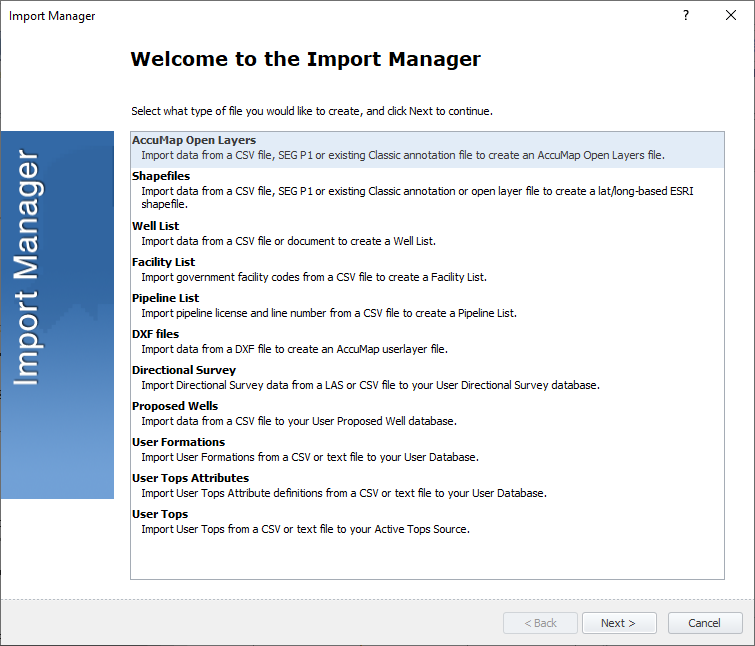
The Open Layers Input File dialog box appears.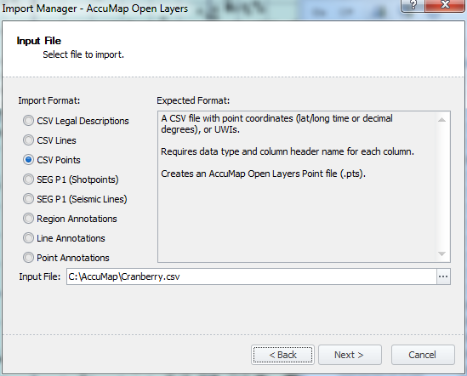
The Open Layers Output File dialog box appears.
The Open Layers Import Options dialog box appears. This dialog includes different options depending on whether you're importing points, lines, or regions.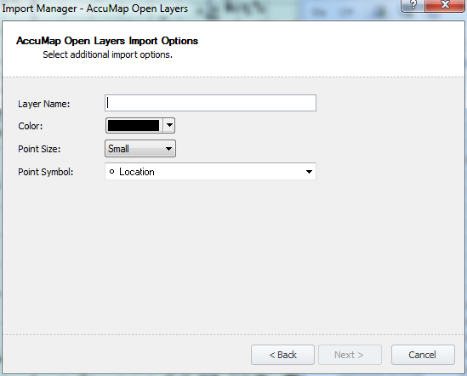
The Open Layers Ready to Import dialog box appears.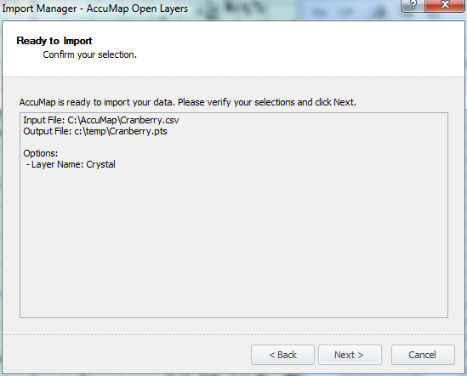
The Import Data dialog box appears.
The Open Layers Import Complete dialog box appears.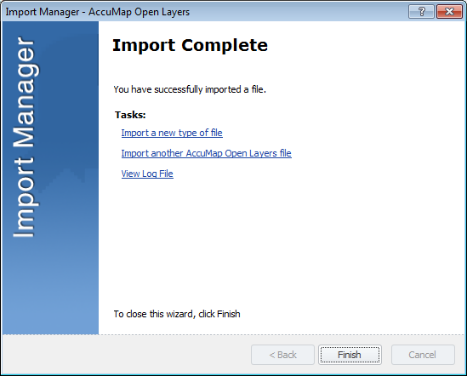
 Related Topics